 Happy K-Day
What's new in Happy K-Day
1.2.0 28 September 2026 · iPhone and Android
What is a K-day? Now you can look it up
Until now the app explained itself exactly once, on the day you installed it. A tester asked for a place to read it again, so there is now a small ⓘ on the big card, and a row in Settings.
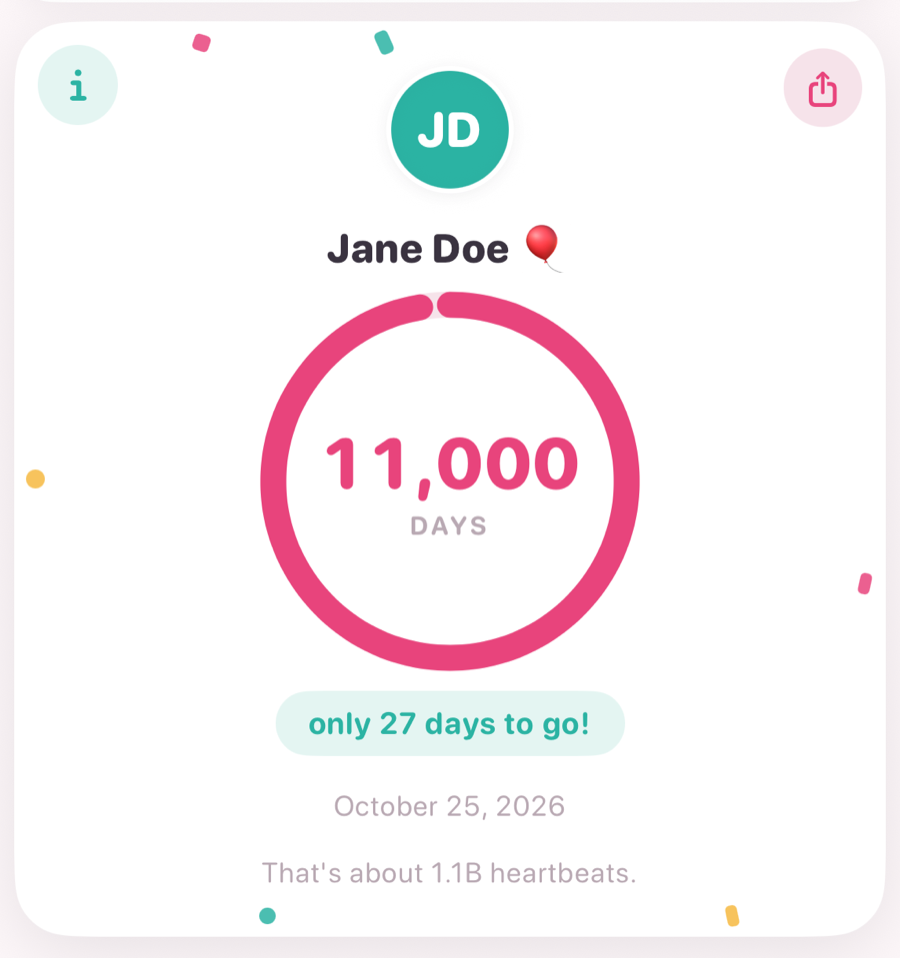
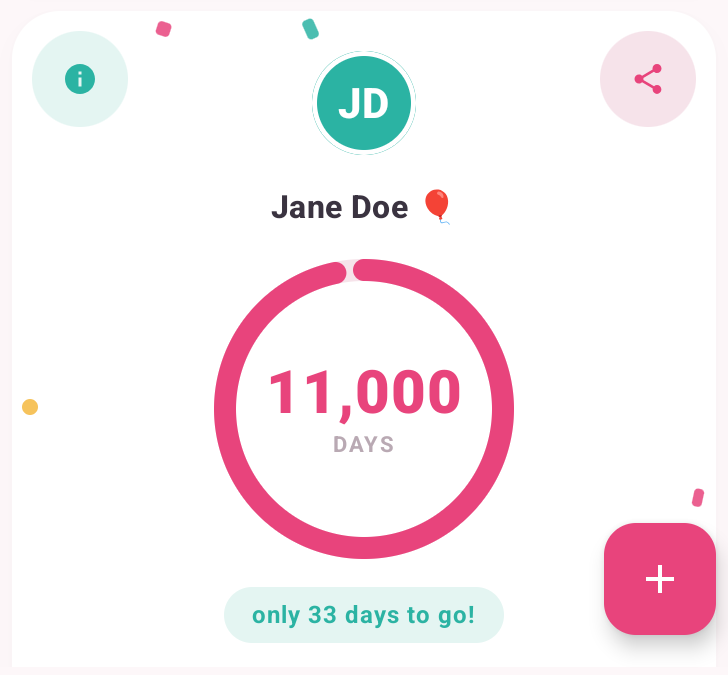
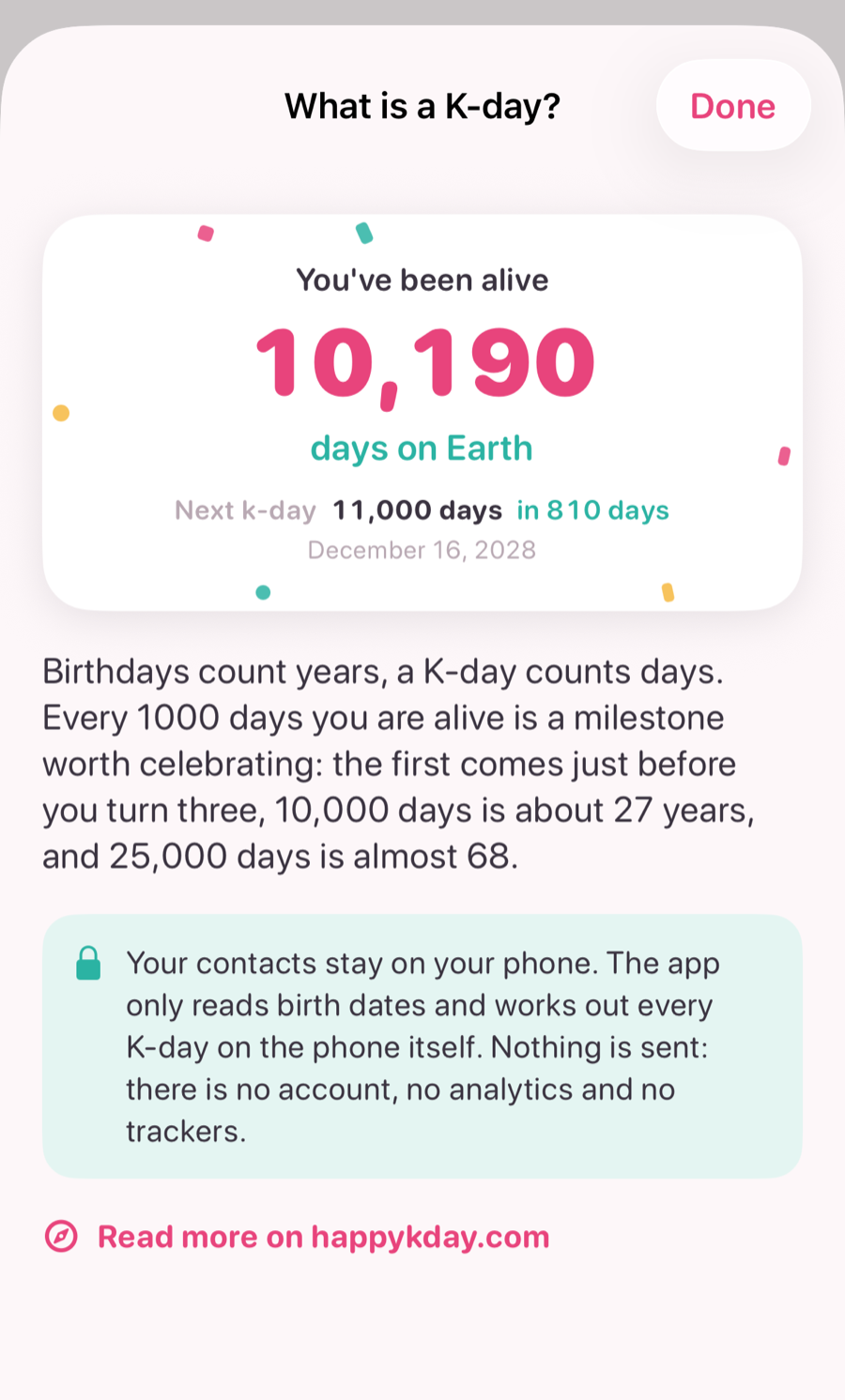
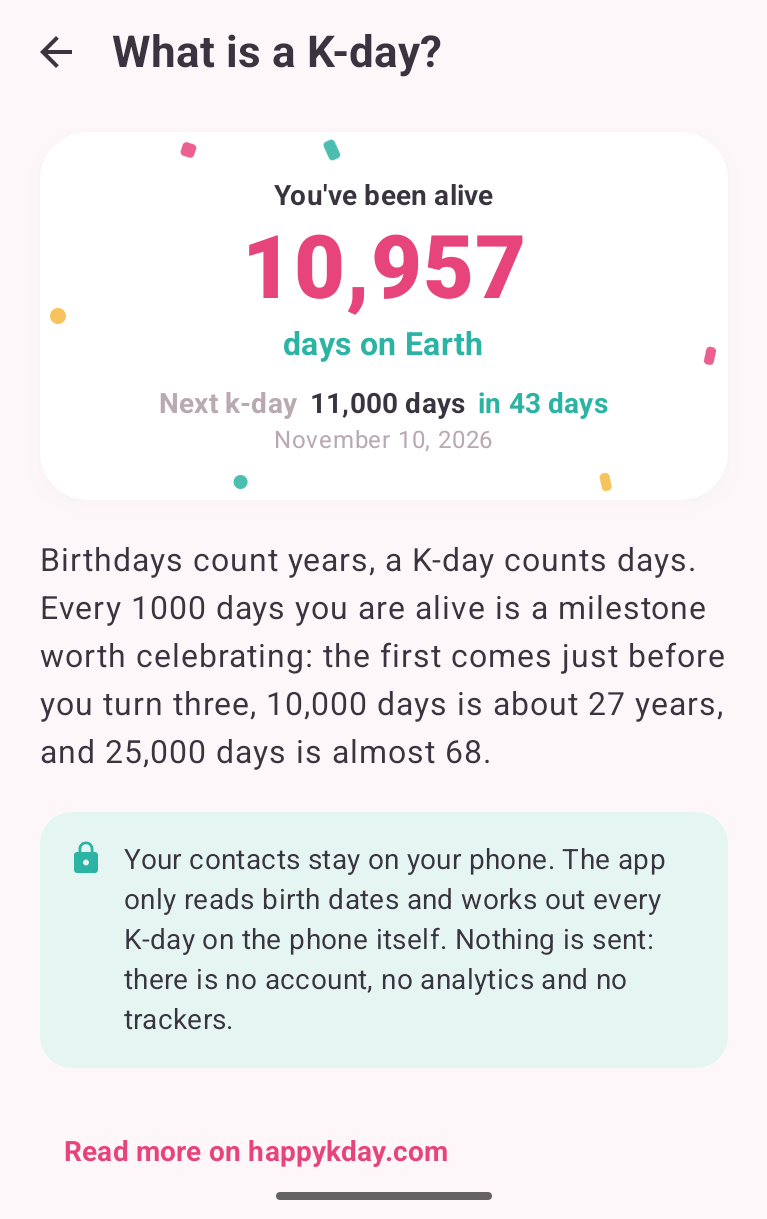
It starts with your own numbers, then explains the idea in one paragraph, then says plainly what happens to your contacts: they stay on your phone. A link at the bottom leads here for more. The text is part of the app, so it works without a connection.
A new About section, and the intro again
Settings now ends with About. Besides the explainer, it lets you replay the intro: your birthday, the reveal of how many days you have been alive, and the explainer. It never asks for your contacts a second time. The privacy promise, which used to appear only on the very first screen, now has a permanent place here, next to the version number.
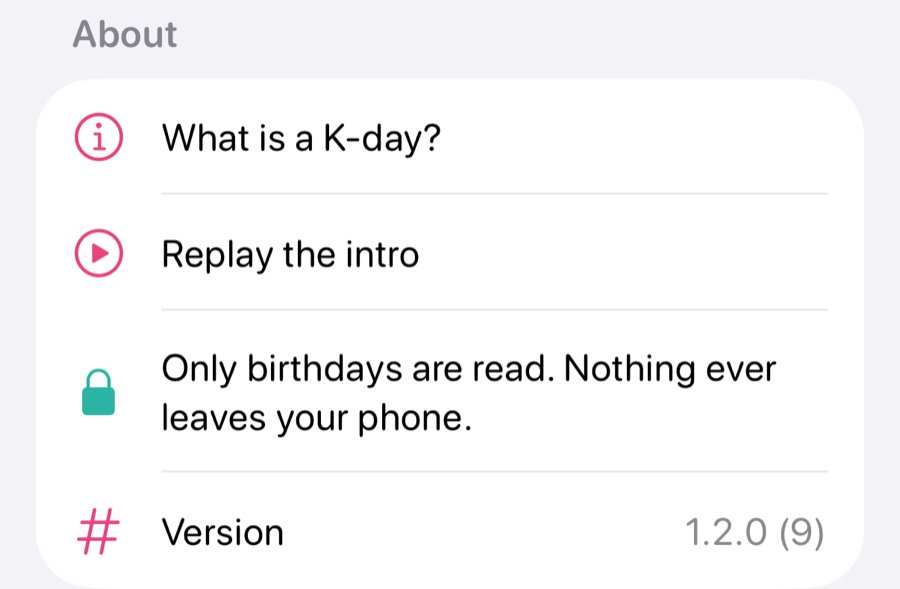
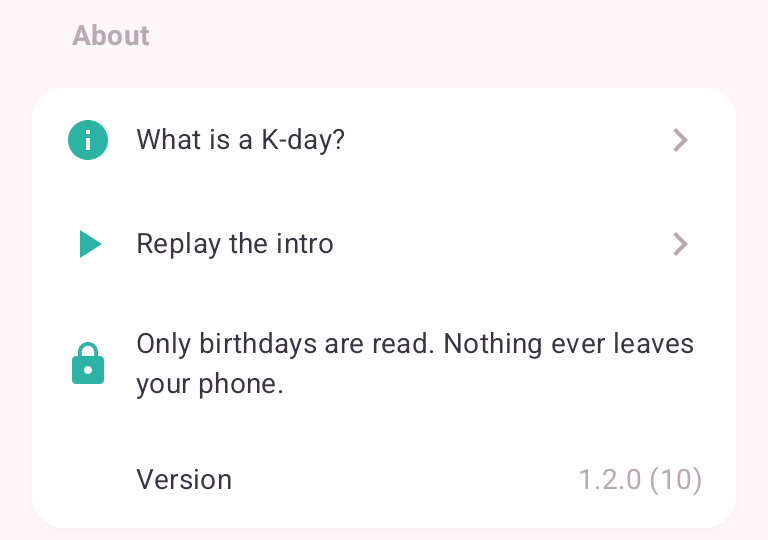
If you skipped the intro on day one, tapping “How many days have you been alive?” at the top of the home screen now takes you through it, so nobody misses the reveal.
Your own birthday is easy to change
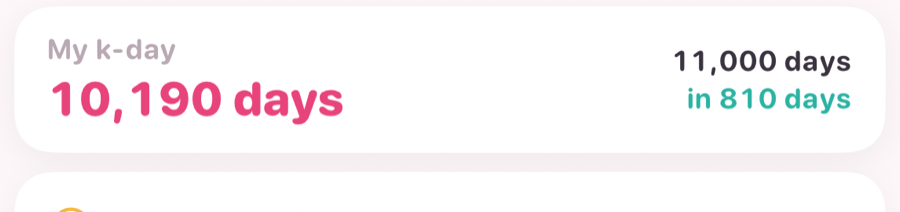
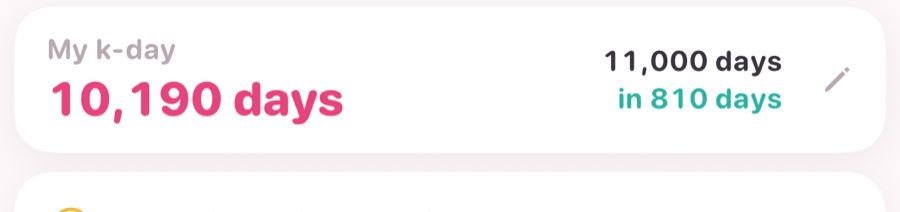
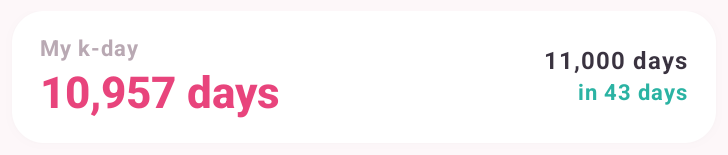
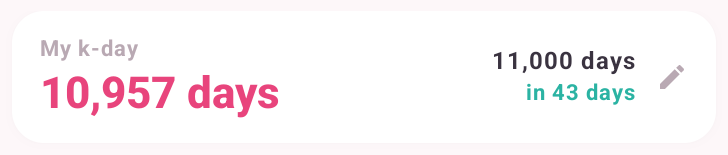
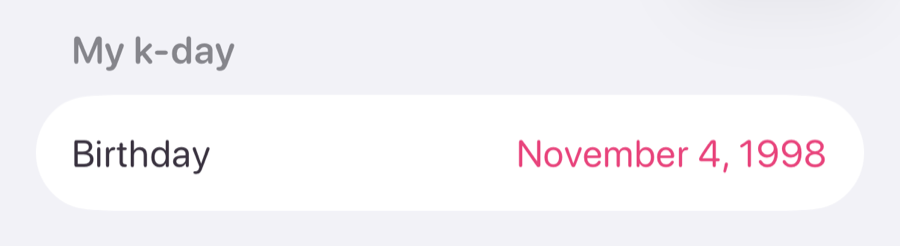
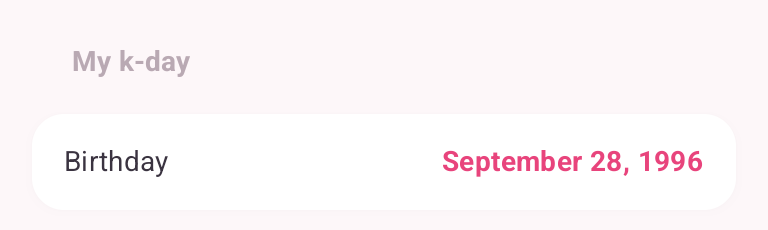
Two testers could not find where to change their own birthday. The strip at the top could always be tapped, but nothing said so. It now carries a small pencil, and Settings has a new My k-day section with your birthday, as a second way in.
iPhone
Android
No more made-up birthdays
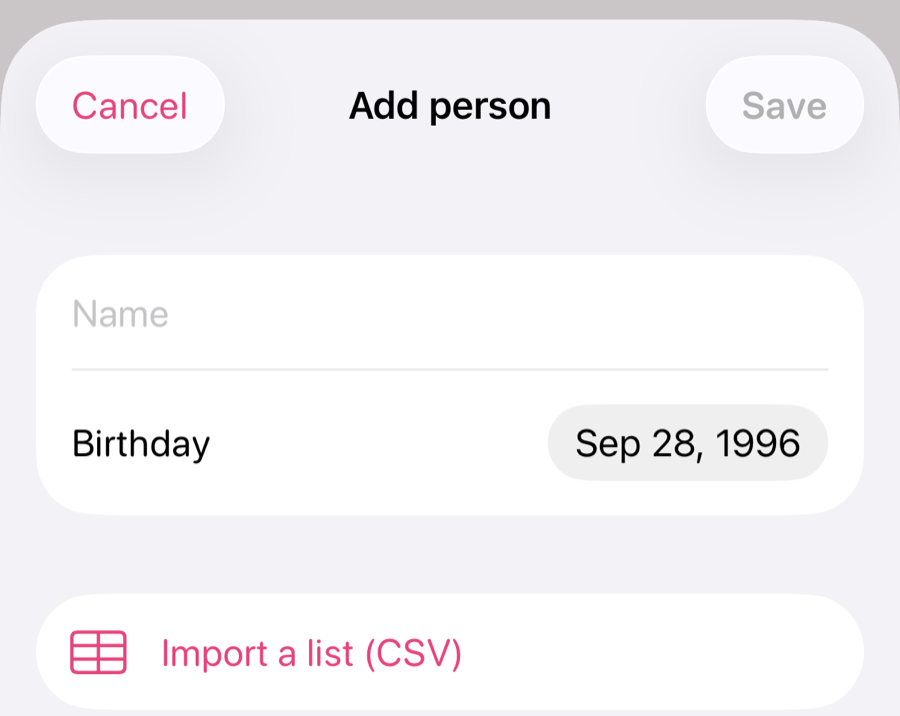
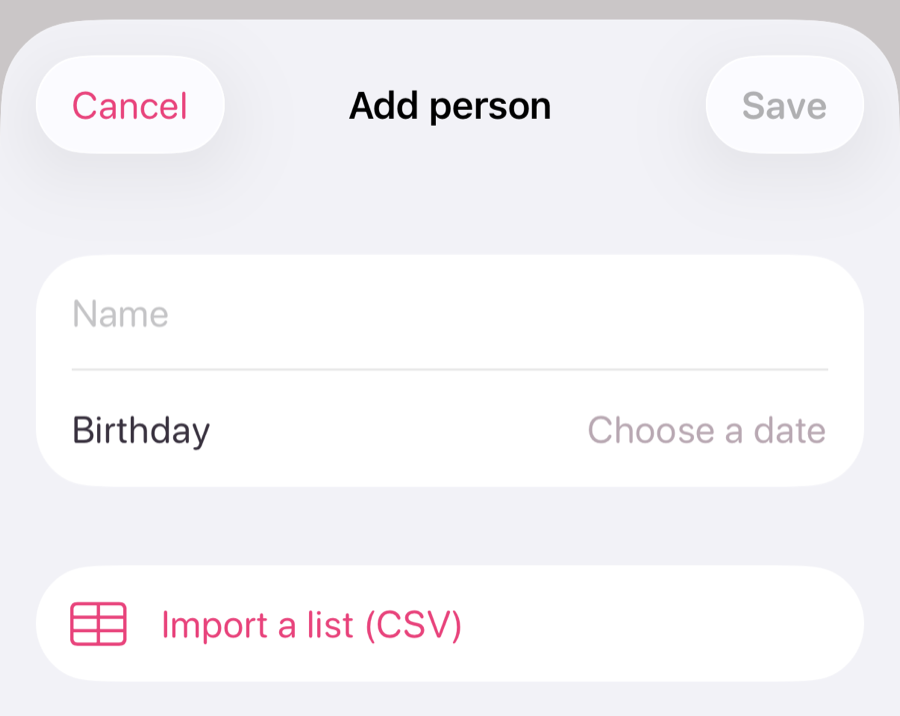
When you added someone, the birthday field already showed a date: today, thirty years ago. It looked like a real value, and you could save it without ever choosing one. The field now stays empty until you pick a date, and Save waits for it.
iPhone
Android
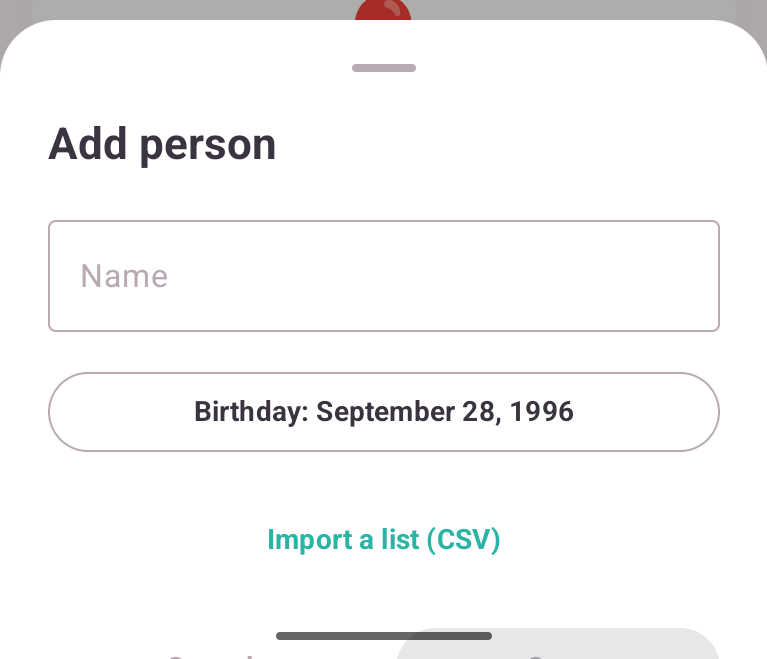
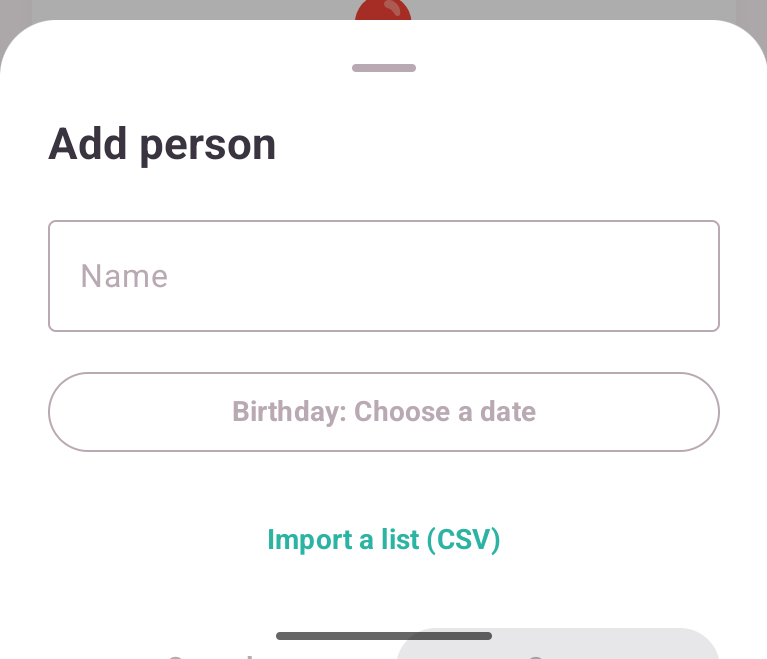
The same goes for your own birthday on the first screen: Continue stays off until you have actually picked a date.
The confetti stays off the buttons
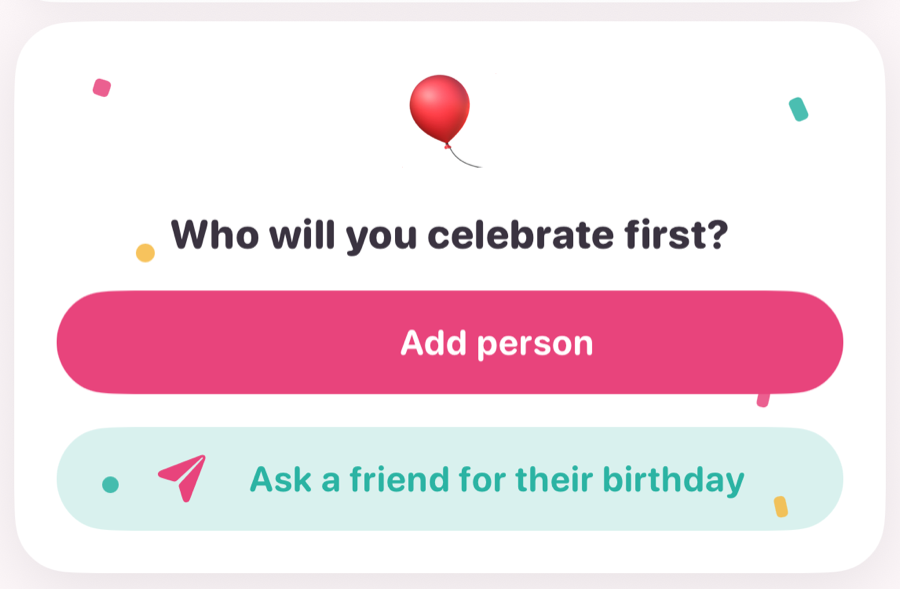
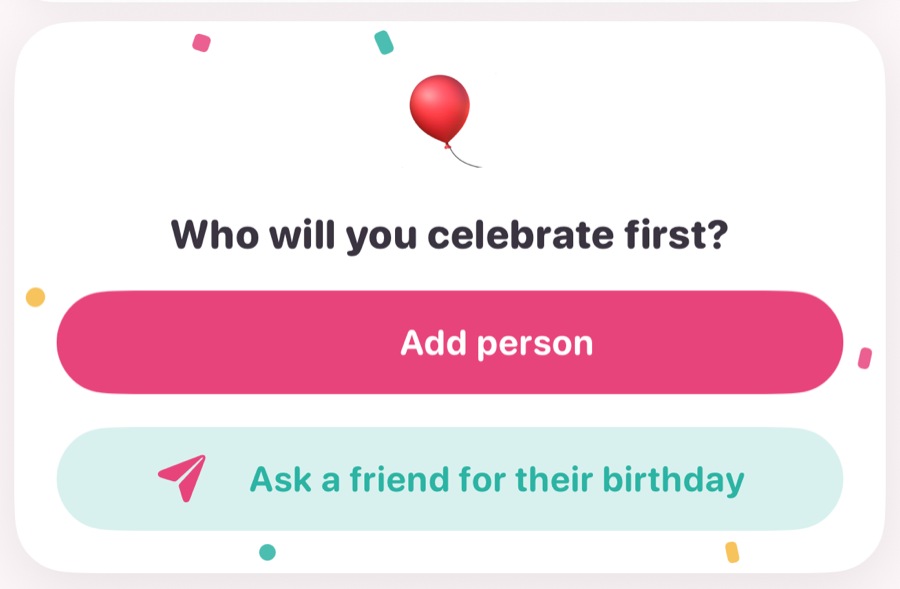
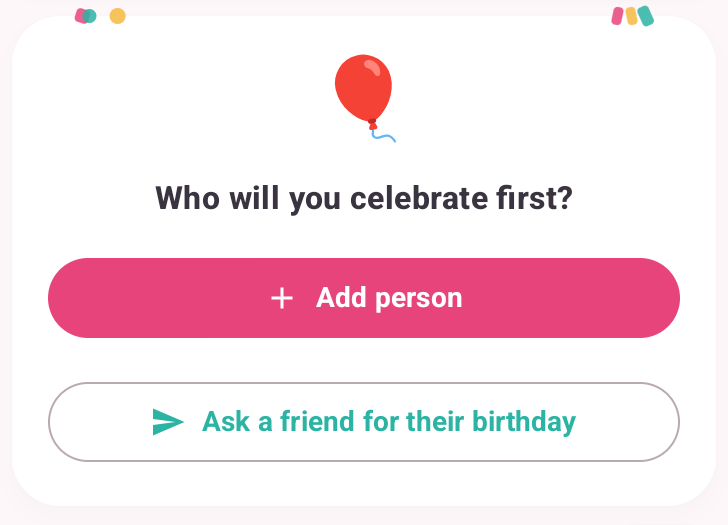
A tester found the confetti “still broken, just differently”. On iPhone it landed on the buttons, and on Android it piled up in the top corners of this card. The pieces now frame the card, along its edges, where they can never cover a button or a line of text.
iPhone
Android
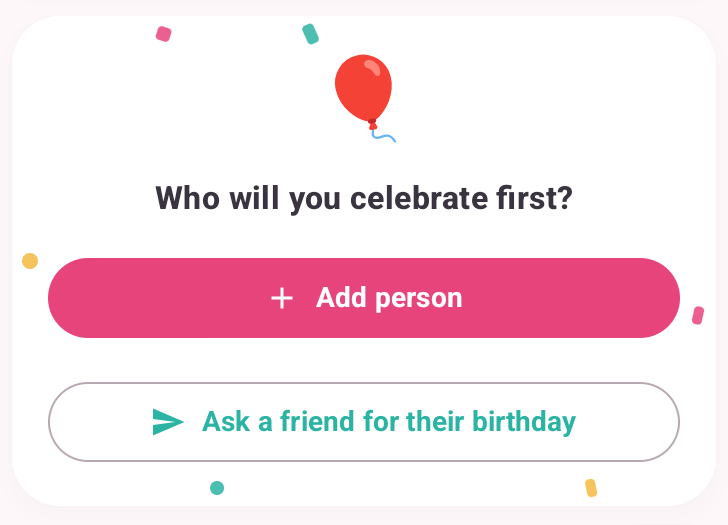
The calendar fits on smaller Android phones
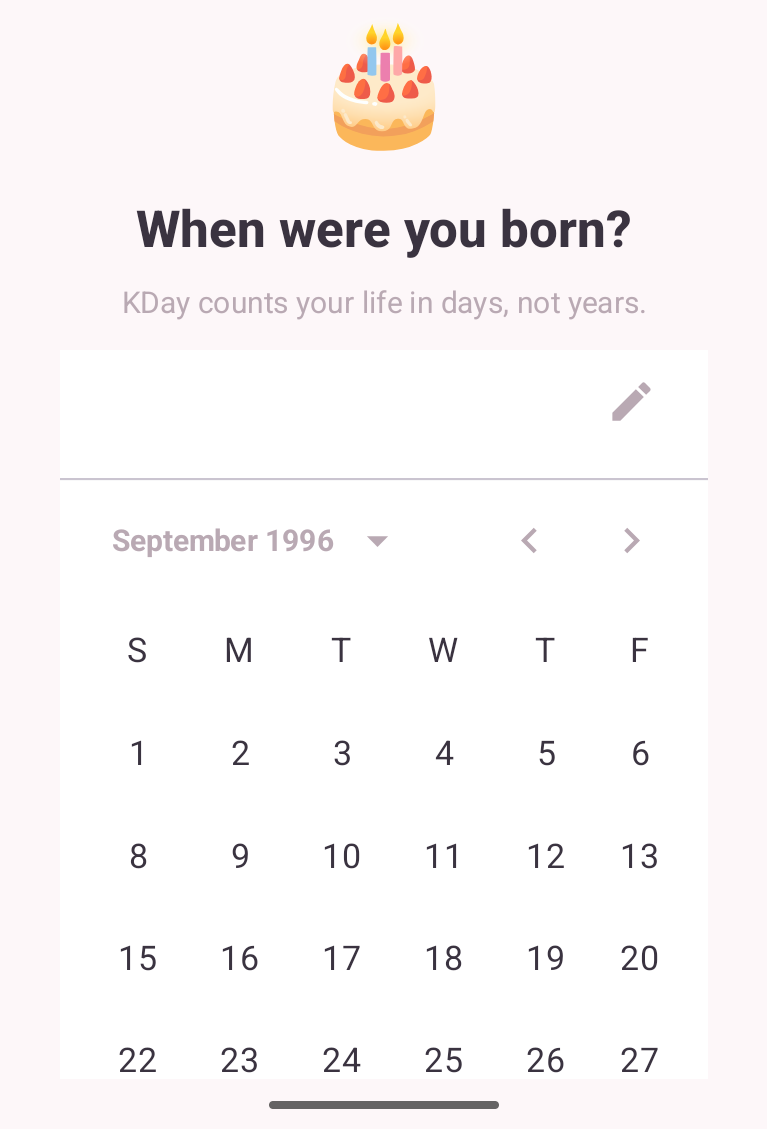
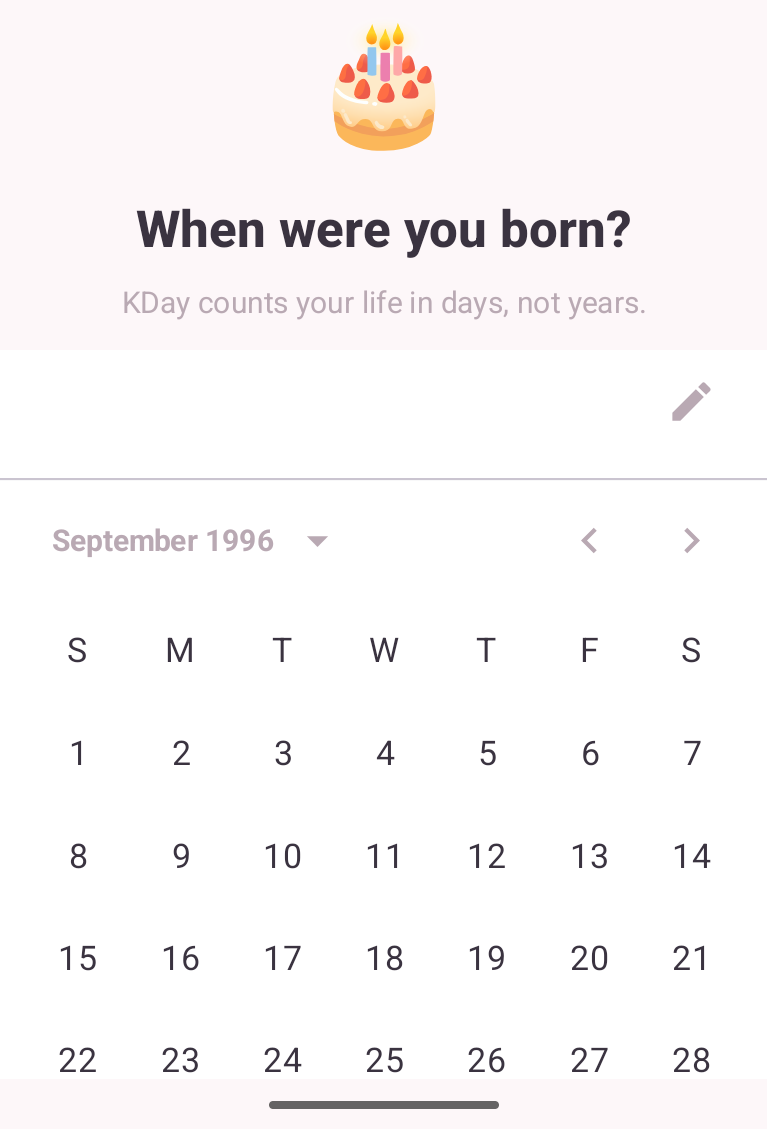
On many Android phones the calendar on the first screen was a little too wide, and its last column simply disappeared. A colleague could not find 6 February, because in their Dutch calendar every Sunday was gone; in English it is the Saturdays. The calendar now scales down to fit the screen instead.
Android
Also fixed
- On Android the milestone number was missing in every language except English: rows read just “days”, and the big ring showed a raw placeholder. A new check now stops a build when a translation loses a number like this.
- On iPhone, the My k-day screen could open on the wrong date, thirty years before today instead of your own birthday, and saving it overwrote the real one. It now always opens on your stored birthday.
Thank you to every tester who wrote in. The Send feedback button in Settings reaches a human.
1.1.4 22 August 2026 · Android
The confetti was stuck at the top
Every k-day card carries six small confetti pieces, scattered corner to corner. On Android they all landed in one thin strip along the top edge — two little clumps, half of them hanging outside the card. It looked broken, because it was.
Android
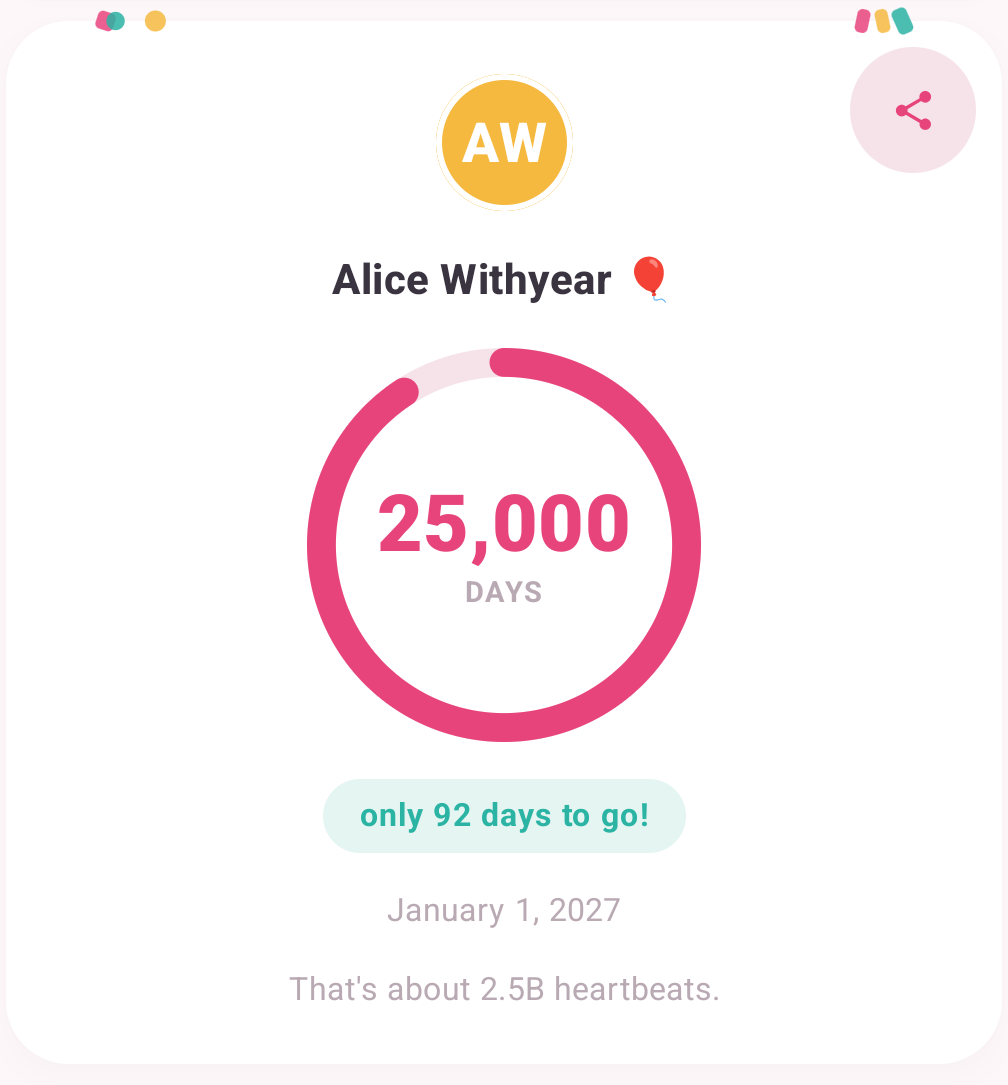
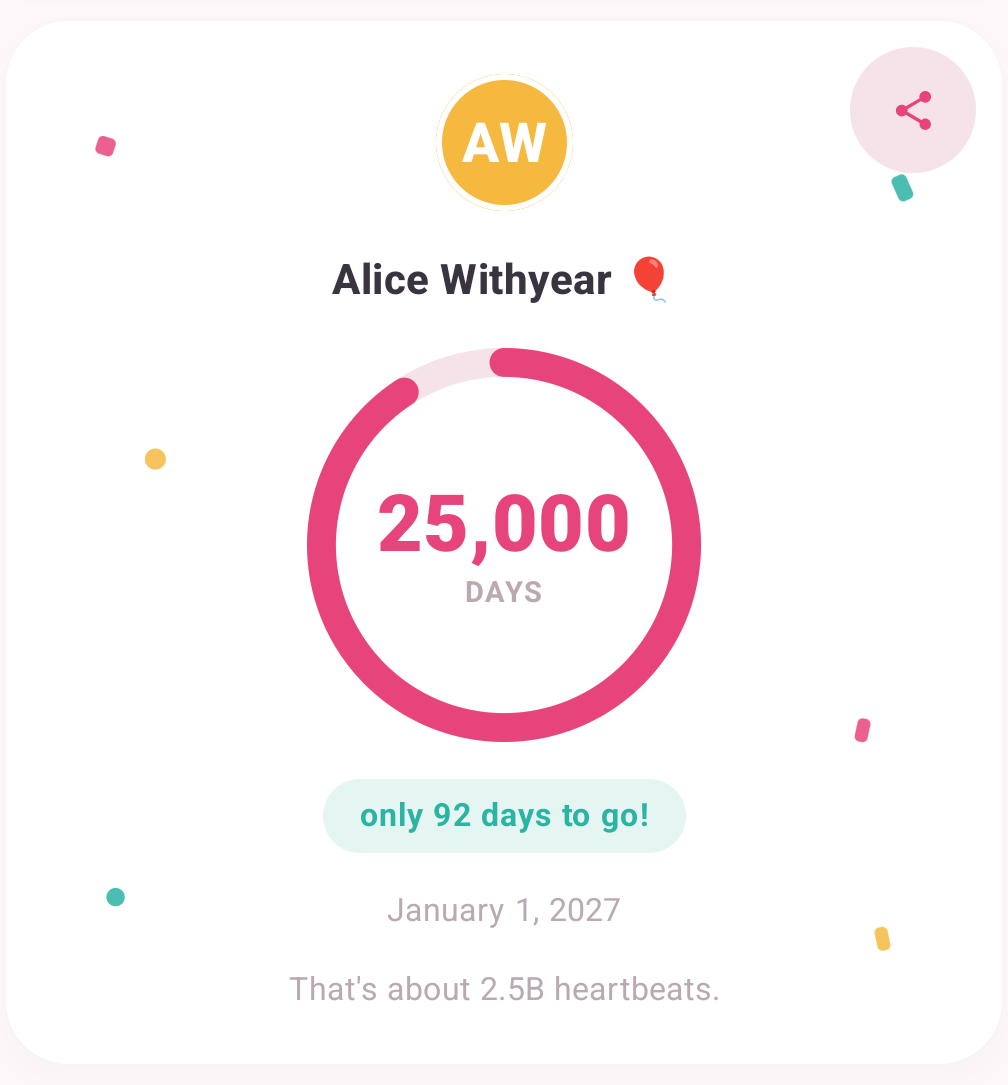
Same six pieces, same card. Only their positions were wrong: the layer they are drawn on had collapsed to zero height, so every piece was pushed to the very top.
Reported by a tester at 12:51, with a screenshot. Fixed and shipped the same afternoon.
1.1.3 21 August 2026 · iPhone and Android
You can see how soon a k-day is
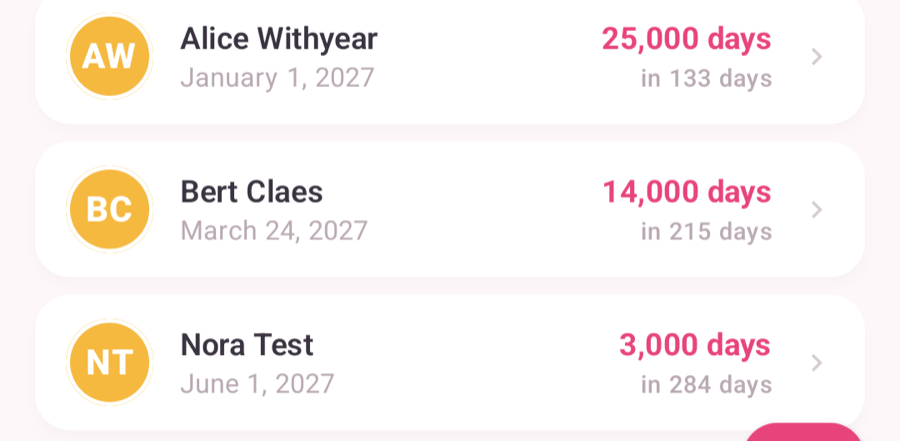
A tester said he could not judge from the ring how many days were left. He was right: the number was there, in small grey type. Now it is the second thing you read.
iPhone
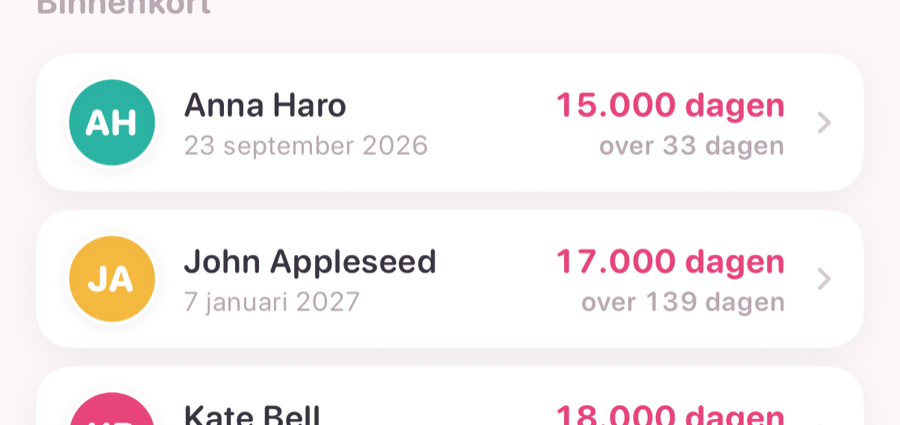
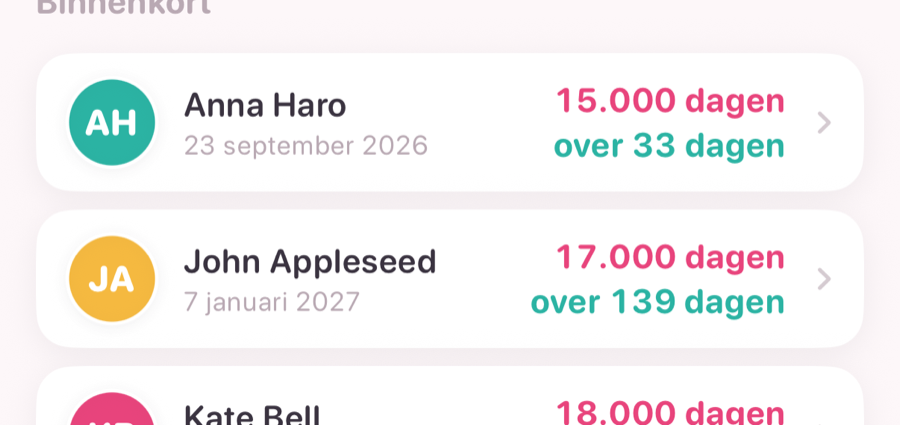
The pink number is still the k-day being celebrated. Only the countdown changed weight and colour.
Android
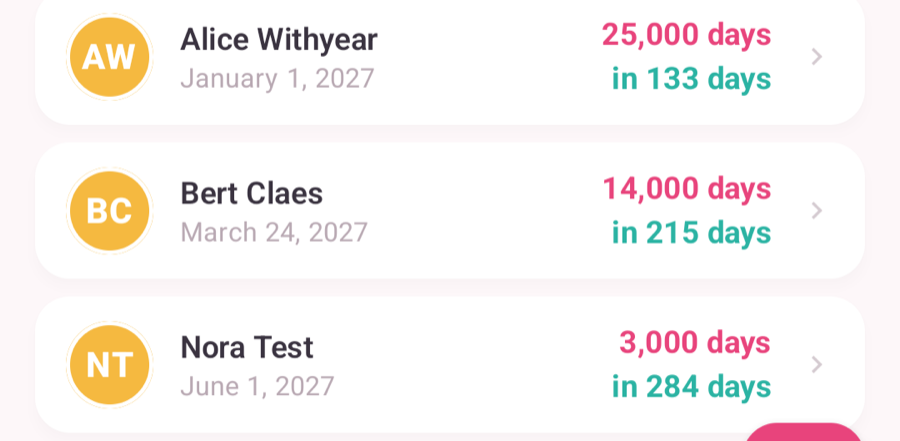
Your own counter, iPhone


Two new rows in Settings
Neither of these existed before 1.1.3. Both came from a tester who went looking for them and could not find them.
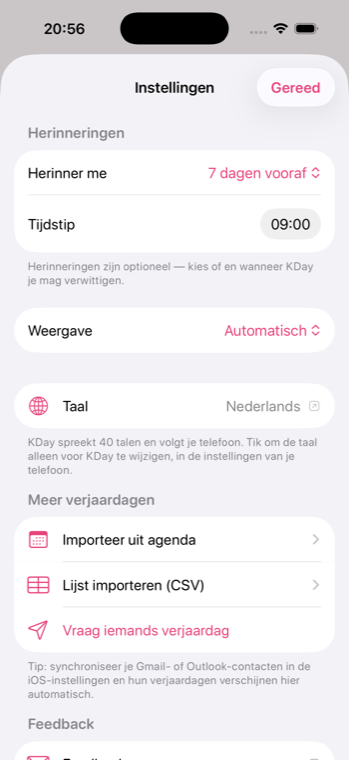
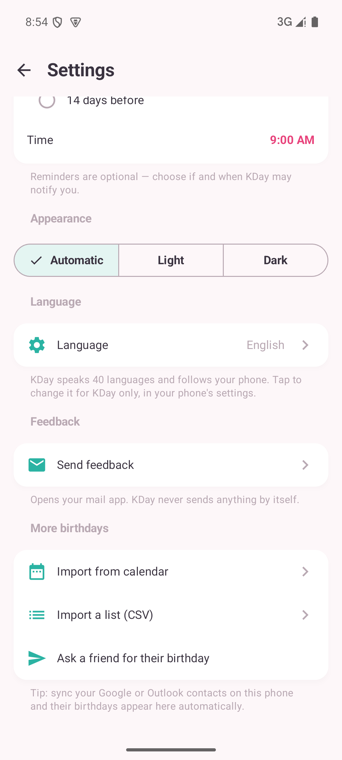
Language shows the language Happy K-Day is speaking right now and takes you to the one screen where you can change it for Happy K-Day alone — your phone owns that setting, not the app.
Send feedback opens your own mail app with the app version already filled in. Happy K-Day never sends anything by itself; it has no network access at all.
Also fixed
- Send feedback opened an empty email on Android. The address was being dropped. Found by a tester within four hours of the button shipping.
- The privacy link on this website was broken — in all 41 languages. It pointed at a placeholder instead of the privacy page.
- This website scrolled sideways on iPhone Safari. The language picker in the footer pushed the page 118 pixels too wide.
- Android is up to date with Android 16 (API 36), so updates keep working after Google's 31 August deadline.
Every item on this page started with someone writing in. If something bothers you, the Send feedback button is two taps away and it reaches a human.